LOGGING INTO ISSUE TRACKER
The starting screen of Issue Tracker is the Login Screen (Figure: Issue Tracker Login Screen). To login, you should validate yourself with the username and password and then click the Login button.
Note: The password is case sensitive.
Note: If you have failed to login 3 times, the system will be blocked. Contact your system administrator in order to unlock your user access.
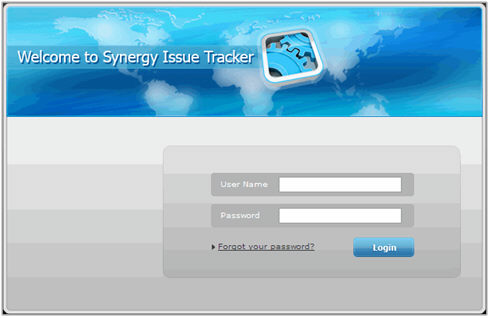 |
Figure: Issue Tracker Login Screen |
A successful login directs you to the List module.
Note: If you have forgotten your password, you can retrieve it by clicking the Forgot Your Password? link in the Login Screen and confirming your identity. After submitting your identity information, you will receive a password to the e-mail account indicated.
See also: